How to Collect Reviews Inside Your App (Without Begging via Email)
The standard SaaS review playbook goes like this: export your customer list, load it into a review platform, and blast "We'd love your feedback!" emails. Response rates for that motion are typically 1–3%. The people who do respond skew toward two groups, the delighted and the furious, which is why review pages so often read as bimodal.
There's a structurally better option: ask inside your product, at the moment the user has just experienced value. Here's how to do it well.
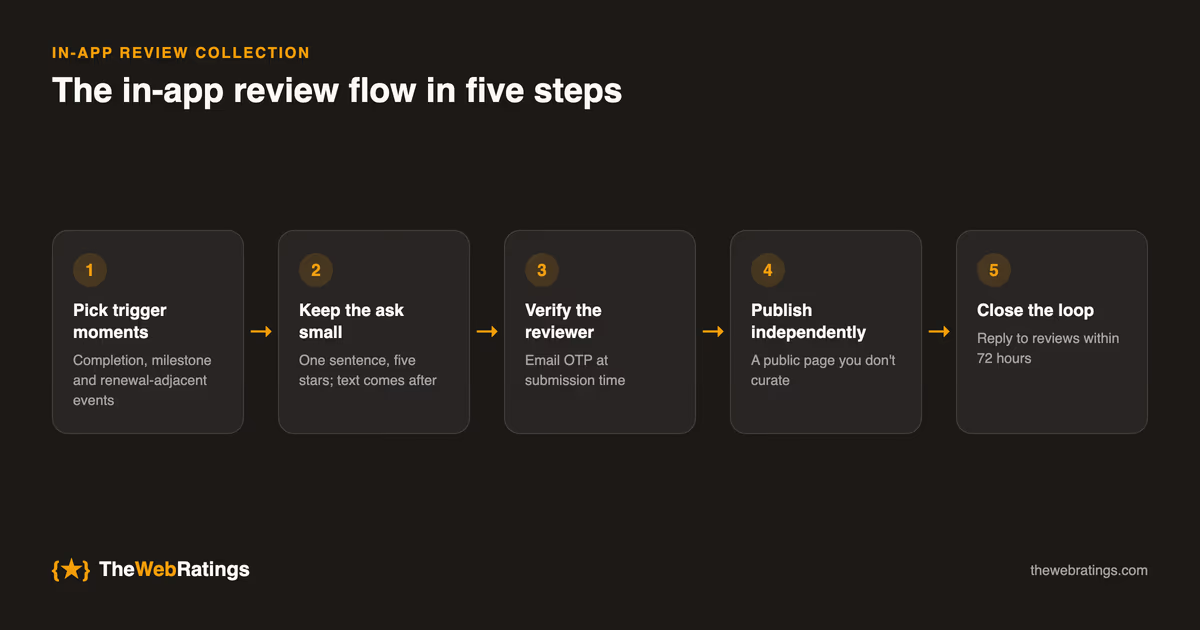
Why in-app beats email
- Context. The user is already engaged with your product. There's no gap between experience and request.
- Timing. You can trigger the ask right after a success moment, not three days later in a crowded inbox.
- Identity. The user is logged in. You know they're real and you know they actually use the product, which makes verification trivial and fakes nearly impossible.
- Friction. One click to a rating widget beats email → link → landing page → account creation on a review site.
We've published a deeper data comparison in in-app reviews vs email review requests if you want the numbers.
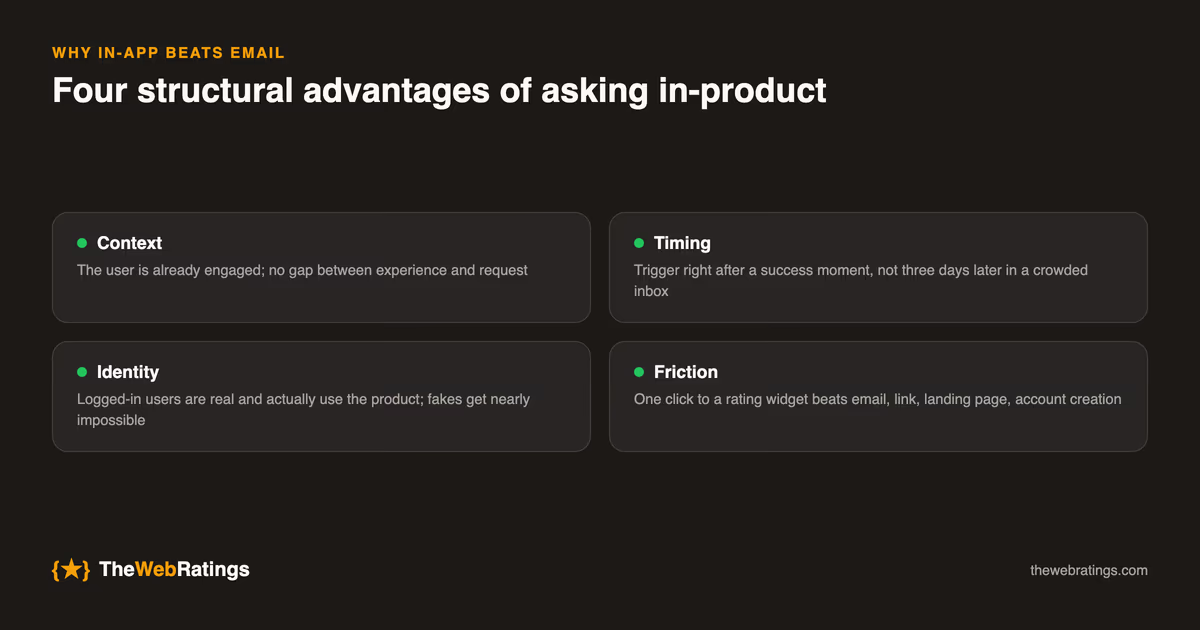
Step 1: Pick your trigger moments
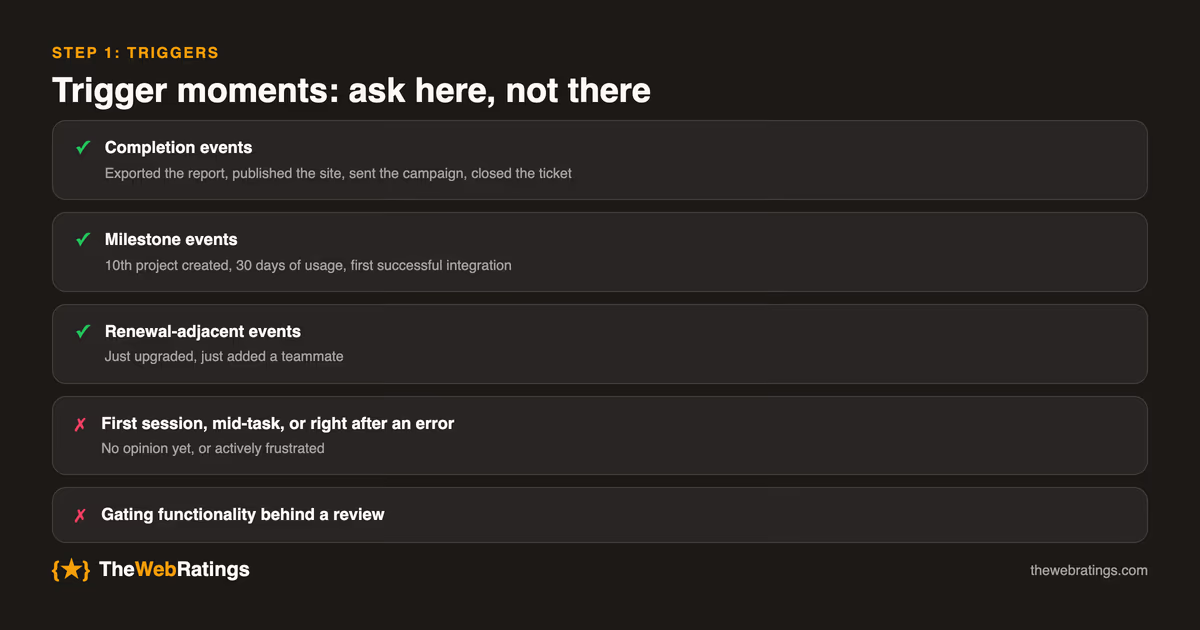
The single biggest lever is when you ask. Good trigger moments share one property: the user just accomplished something.
- Completion events: exported the report, published the site, sent the campaign, closed the ticket.
- Milestone events: 10th project created, 30 days of usage, first successful integration.
- Renewal-adjacent events: just upgraded, just added a teammate.
Avoid: first session (they have no opinion yet), immediately after an error or support ticket, and mid-task interruptions. And never gate functionality behind leaving a review.
Step 2: Keep the ask small
The prompt should be one sentence and one widget: "How's your experience with Acme so far?" plus five stars. Once they tap a star, then invite optional written detail. Asking for a paragraph up front kills conversion; asking after the star commitment roughly doubles written-review completion.
Two copy rules:
- Don't beg and don't bribe. "Support us with 5 stars" invites low-quality inflation, and incentivized reviews are exactly what's made some big platforms untrustworthy.
- Make the destination clear. Tell users their review appears on a public page. It signals that you take the feedback seriously.
Step 3: Verify the reviewer
If your reviews are going anywhere public (and they should, because that's where the SEO and trust value lives), verification is what separates a credible review profile from a testimonial wall. The lightest pattern that actually works: confirm the reviewer's email with a one-time passcode (OTP) at submission time. It takes the user ten seconds, blocks bots and drive-bys completely, and lets the platform mark every review as verified. More on this in how to get verified reviews for your SaaS.
Step 4: Publish somewhere independent
Reviews displayed only on your own site are, structurally, testimonials: you control what appears, and buyers and search engines both know it. Publishing to an independent page does three things:
- Buyers trust it (they can see you don't curate it).
- Google can show star ratings for it in search results via review schema.
- AI assistants have a citable source when users ask about your product.
This is the part you generally can't build yourself: independence is the feature.
Step 5: Close the loop
Respond to reviews, especially critical ones. A visible, non-defensive reply to a 2-star review is one of the strongest trust signals a prospect can see. Set a simple SLA (say, 72 hours) and keep replies short: acknowledge, state what you're doing, done.
Measuring whether it's working
Instrument the funnel from day one, because the numbers tell you exactly which step to fix. Track four rates:
- Prompt view rate: what share of eligible users actually see the prompt. If it's low, your trigger events fire too rarely; add a milestone trigger.
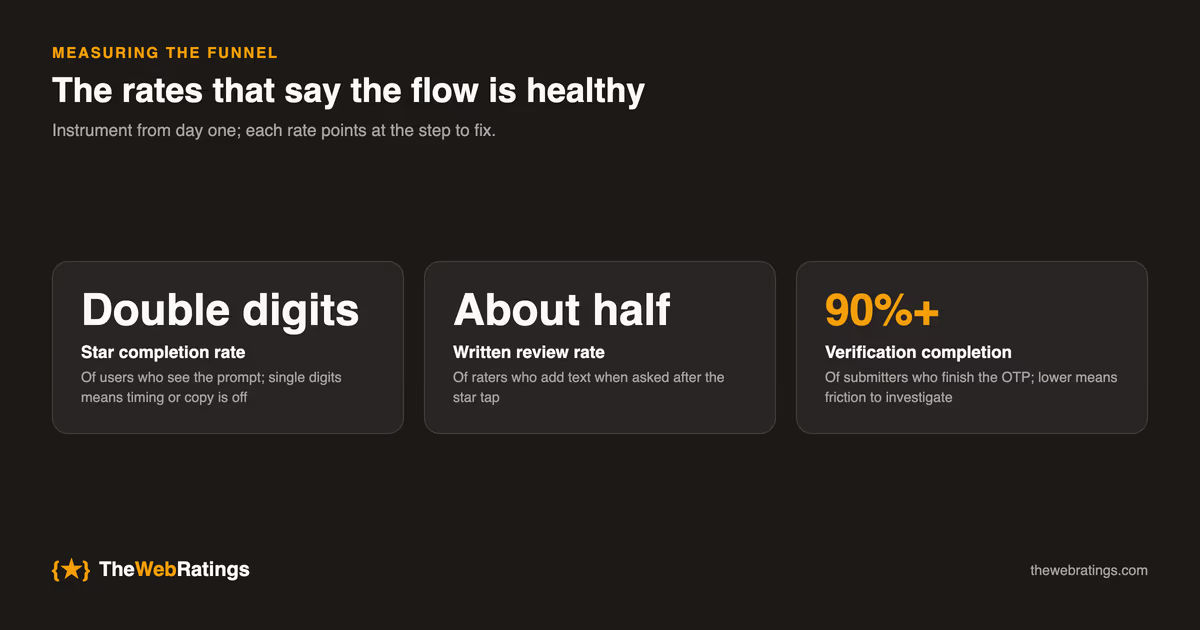
- Star completion rate: of users who see the prompt, how many tap a rating. Healthy in-app flows see double-digit percentages here; if you're near email-level single digits, your timing or copy is off.
- Written review rate: of users who tap a star, how many add text. Expect roughly half if you ask after the star, far less if you ask before.
- Verification completion: of users who submit, how many finish the OTP. This should be very high (above 90 percent); if it isn't, the verification step has friction worth investigating.
Review the funnel monthly for the first quarter, then quarterly. The most common finding: one trigger event dramatically outperforms the others, and shifting prompt exposure toward it doubles volume with zero new code.
What this looks like in practice
This whole flow (in-app widget, success-moment triggers, OTP verification, an independent public trust page with review schema, and reply tools) is precisely what TheWebRatings packages up. The free plan covers one website with unlimited verified reviews; you add one script tag and the collection loop runs itself.
But even if you assemble it from parts, the principles hold: ask in-product at moments of value, keep the ask tiny, verify identity, publish independently, and reply. Teams that switch from email-blast collection to this model typically see review volume grow by an order of magnitude, not because users changed but because the ask finally met them where they were. For the full picture, start with the pillar guide: customer reviews for SaaS.
Frequently asked questions
Right after the user accomplishes something: a completion event (report exported, campaign sent), a milestone (10th project, 30 days of use), or a renewal-adjacent event like an upgrade. Avoid the first session, the moments right after an error or support ticket, and mid-task interruptions.
Once per user per quarter is a sensible cap, and a dismissal should push the next prompt out by weeks, not minutes. Never re-prompt someone who has dismissed the widget twice. At that point the answer is no, and asking again only costs goodwill.
No. That's review gating, and platforms and regulators both treat it as manipulation. Use milestone triggers alongside success triggers so ordinary and lukewarm users get asked too; a believable distribution with some 3s and 4s converts better than a suspicious wall of 5s anyway.
No. TheWebRatings ships this whole flow (in-app prompt, star-first UI, email OTP verification, and publication to an independent trust page with review schema) as a single script tag, free for one website. Building it yourself is feasible, but the independent publication part is the piece you structurally can't self-host.
Expect double-digit star-completion rates among users who see the prompt, roughly half of raters adding written text when asked after the star tap, and OTP completion above 90 percent. If any of those are far off, fix that specific step: timing and copy for completion, ask-order for written rate, friction for verification.